
Selling out is good news. It's also a problem, because your website keeps showing the product after you've run out.
What you do next matters more than you'd think. Delete the page, and you may lose customers and search visibility. Leave it as it is, and people will order something you can't send. Hide it badly, and shoppers think your shop is empty.
Here's how to handle out-of-stock products so customers still trust you, whether the product is gone for a week or for good.
1. Keep your stock figures honest
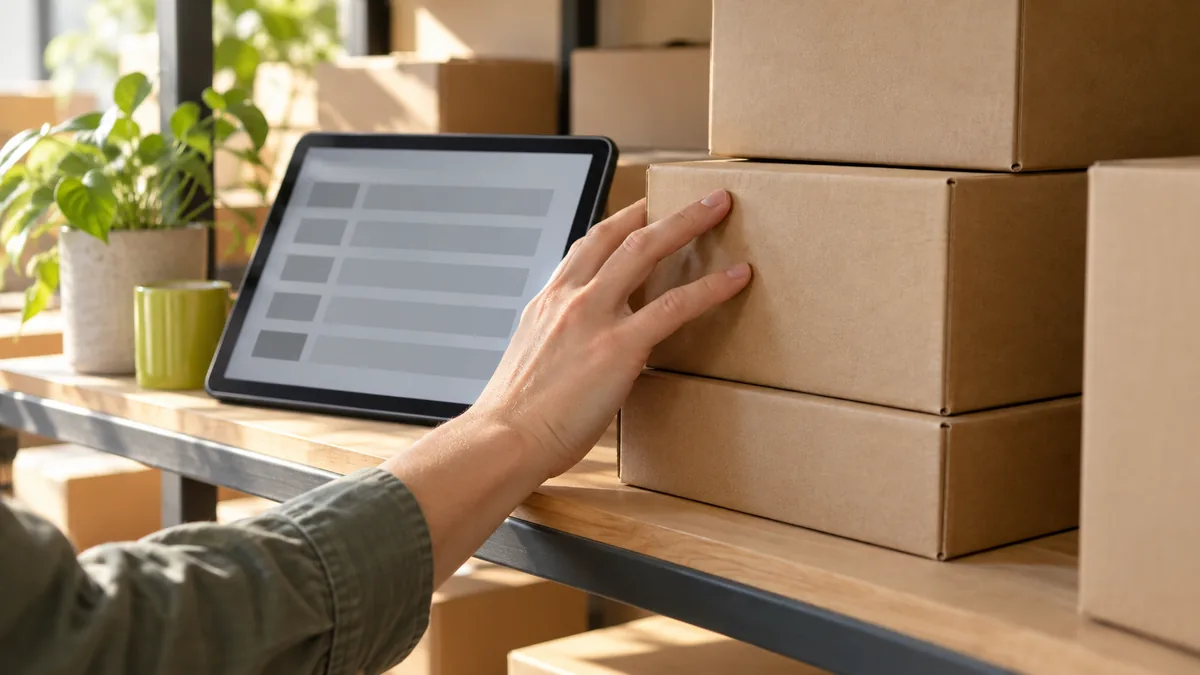
Everything else depends on this one. If the website says you have ten and you have none, customers will order things you can't send, and you'll have to disappoint them afterwards.
Think about:
- Where your stock count is kept
- How often it's updated
- Whether it updates automatically when an order comes in
- What happens when you sell the same item in a shop or at a stall
Why it matters: A cancelled order is worse than an honest "sold out".
Our advice: Decide where the truth lives and keep it there.
2. Say clearly when something is sold out
Don't make people discover it at checkout. Say so on the product page, near the button, in plain words.
- Replace "Add to basket" with something clear
- Keep the product page visible
- Show the status in category lists too
Why it matters: People forgive honesty much more than they forgive a surprise.
3. Decide: temporary or permanent?

Out of stock doesn't mean one thing. Treat these cases differently:
- Coming back soon: keep the page, say when you expect it, and offer a way to be told
- Seasonal: keep the page, explain when it returns
- Gone for good: point visitors to a similar product, rather than leaving a dead end
Why it matters: The right message depends on whether the customer should wait, or look elsewhere.
4. Offer a way to be told when it's back
If a product is coming back, a "tell me when it's in stock" option gives interested customers a reason to return. Only use people's details for that purpose, tell them how you'll use them, and follow your privacy policy.
Don't promise dates you can't keep. "Expected in a few weeks" is better than a date you miss.
5. Suggest alternatives
When something's gone, show customers something close: a similar product, another size or a related item. It keeps them in your shop and gives them somewhere to go.
Why it matters: A dead-end page loses people. A helpful one can keep them.
6. Be careful with products that are gone for good

If a page has been around a while, people may have bookmarked it, linked to it, or found it through search. Deleting it without a plan sends them to an error page.
Better options:
- Keep the page with a clear "no longer available" note and links to alternatives
- Or redirect it to the closest matching product or category, if there's a genuine match
This is the kind of detail that's worth getting right at the time, and it's part of looking after a shop properly. See why e-commerce maintenance matters.
7. Check your search and categories
Sold-out items can clutter your categories and search results, so a customer sees page after page of things they can't buy. Decide whether to show them last, mark them clearly or hide them. Our guide to site search for online shops has more.
How we approach this
We set up shops so stock status is clear on the product page, in categories and in the basket, and we talk through what should happen with temporary and discontinued products so you're not left tidying up later.
Our build is Price, from £2500 + VAT depending on the number of products, and our ongoing support is Care from £150 + VAT depending on the number of products. There are no contracts. We talk through what you need on the call and quote it then.
Frequently asked questions
Should I delete a product when it sells out?
Usually not, especially if it's coming back. Keep the page and say clearly that it's unavailable.
Will out-of-stock pages hurt my search visibility?
Not in themselves. Handling them badly can, for example by leaving dead ends or deleting pages that people still find. Plan what each page should do.
Can the website track stock for me?
It can, depending on how the shop is set up. Talk through how you manage stock now and we'll tell you what makes sense.
What if I sell in a shop as well as online?
Then you'll want a way of keeping the two counts in step. It's worth raising early.
Want your stock handled more cleanly?
Book a 1-to-1 Zoom call. You tell us how you manage stock today, and we'll tell you how your shop could handle it.
Or call us on 01306 480440.