
"People are visiting, but they're not buying. What's going on?"
We hear that from shop owners more than almost anything else. It's a worrying place to be. You're paying for the website, you're probably paying to get people to it, and the orders aren't matching the effort.
The good news is that the answer is usually on your website, not in your product or your prices. And you can find a lot of it out yourself, today, without any special tools.
The honest answer to the question in the title is this: if people are arriving and leaving without buying, your shop is losing customers somewhere between the first click and the payment page. The job is to find where. This guide gives you seven checks that show you.
You don't need to be technical for any of them. You need about an hour, a phone, and a willingness to look at your own shop the way a stranger would.
1. Watch where visitors leave, before you change anything
It's tempting to start tweaking straight away. Don't. First find out where people drop off, because that tells you where to look.
If your website has analytics set up, look at which pages people land on and which pages they leave from. You're looking for patterns, not exact numbers:
- Lots of people arriving on the homepage and leaving straight away
- People reaching a category page and going no further
- People viewing product pages but never adding to the basket
- People adding to the basket but never reaching payment
Each of those points to a different problem. Leaving the homepage usually means the shop isn't clear or doesn't feel right. Leaving at the basket or checkout usually means the process is too long, too confusing or too surprising.
Our advice: Write down the one page where you think most people leave, before you look at the figures. Then check. If you were wrong, that's useful too, because it means you've been fixing the wrong thing.
If you don't have analytics set up, that's worth fixing first. Without it you're guessing, and guessing is slow and expensive.
2. Find your own products, like a stranger would

Here's a test that takes ten minutes and often hurts a little.
Pick three products. Then, pretending you've never seen your shop before, try to find each one starting from the homepage. Don't use any shortcut you know about. Use the menu, the categories and the search box, in the same way a new customer would.
Ask yourself:
- Did the menu make sense, or did you have to guess which heading a product would be under?
- Could you narrow a long list down without scrolling for ever?
- Did the search box find the product when you typed its name?
You know your shop too well to see its problems. Menus built around how you store your stock, rather than how customers think, are one of the most common reasons people give up. If you can't find something quickly, a first-time visitor definitely can't.
Why it matters: A shopper who can't find the product they came for doesn't think "the menu is confusing". They think "they don't have it" and go somewhere else.
3. Use your shop on a phone, properly
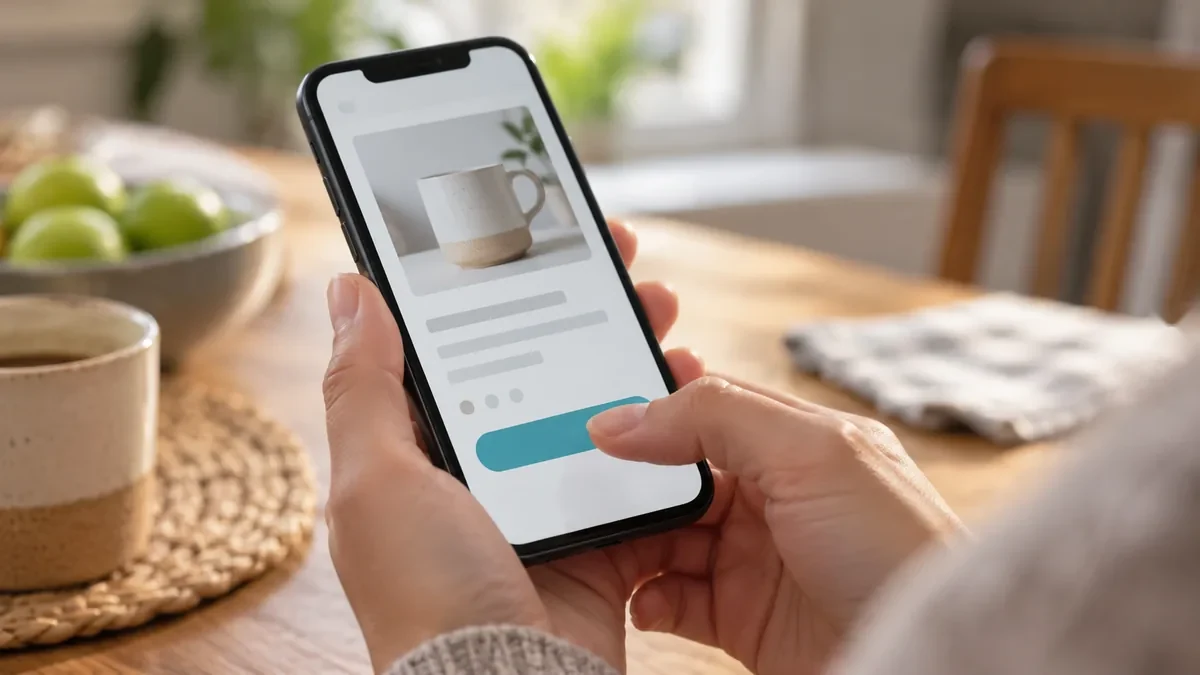
Not a quick look. Properly.
Take your phone, open your shop in a browser, and try to buy something from start to finish. Use your thumb, not a mouse. Do it on mobile data as well as on Wi-Fi if you can.
Look out for:
- Text that's too small to read without zooming
- Buttons that are fiddly to tap, or that sit too close together
- Menus that are awkward to open or to close again
- Images that are slow to appear
- Forms that are painful to fill in on a small screen
Many shoppers browse and buy on their phones. If your shop is built for a desktop computer and merely squeezed onto a small screen, those shoppers are having a worse time than you realise.
Our advice: Hand your phone to someone who has never used your shop and ask them to buy something while you watch. Don't help. Every time they hesitate or say "where do I...", you've found something to fix.
4. Count the steps from product to payment
Every extra step between "I want this" and "I've paid" is a chance for someone to change their mind.
Go through your own buying process and count:
- How many clicks from product page to paid?
- How many separate pages or forms?
- Do you force people to create an account before they can buy?
- How many fields are on the checkout form, and are they all necessary?
- Is the total cost, including delivery, shown clearly before the final step?
The last point matters more than most owners expect. Finding out about delivery costs at the very end is one of the quickest ways to lose a sale that was already won. Shoppers don't mind paying for delivery. They mind being surprised.
Our guide to simplifying your checkout goes through this step by step. The principle is simple: make the route from basket to payment as short and clear as you can.
5. Read your product pages as a buyer

Open a product page and ask: if I had never heard of this shop, would I have everything I need to say yes?
A buyer wants to know:
- What exactly is this, and does it do what I need?
- What does it look like, from more than one angle?
- How much is it, and what will I actually pay in total?
- When will it arrive, and what if it's wrong?
- What do I do next?
Look for gaps. A single small photo, a description copied from the manufacturer, no information on delivery or returns, and a "buy" button that's easy to miss are all small things. Together they add up to a page that doesn't help the buyer decide.
You can read more in our product page checklist.
Why it matters: A product page that answers a buyer's questions before they have to ask them removes the reasons to leave. That's what separates a page that looks fine from a page that sells.
6. Look for reasons to trust you
People hand over card details to shops they trust, and they hesitate over shops they don't.
If someone has never heard of you, what on your website tells them you're real and reliable? Check for:
- A clear way to contact you, with a real address and phone number
- Delivery and returns information that's easy to find and easy to understand
- Genuine reviews, where you have them
- A professional, consistent look from the first page to the last
- Nothing broken: no missing images, error pages or half-finished sections
You can't fake trust and you shouldn't try. Never invent reviews or claims. What you can do is make sure the real things that make you trustworthy are easy to see.
Our article on trust signals for online shops covers this in more depth.
7. Know when to fix it and when to rebuild
Once you've done the six checks, you'll have a list. Now comes the important question: is this a list of fixes, or is the website itself the problem?
It's probably a fix if:
- The problems are on a few pages
- The structure is sound but some wording, photos or buttons need work
- The shop was built well and has simply been neglected
It's probably worth considering a rebuild if:
- The problems are everywhere, not in a few places
- The menus and categories are built around the template, not your customers
- Every small change is slow, expensive or impossible
- The website is on an old system that nobody is looking after
A rebuild is a bigger decision, and it shouldn't be taken lightly. If you're weighing it up, read replacing an online shop first. And be wary of anyone who says a rebuild will fix everything. Nobody can honestly promise a particular sales figure. What a good rebuild can do is remove the obstacles that make people give up.
Important: Don't change everything at once. If you change ten things and sales go up, you won't know which one worked. If sales go down, you won't know which one hurt.
Frequently asked questions
How long should these checks take?
About an hour for all seven. The phone test and the "find three products" test are the quickest and often the most revealing, so start there.
Do I need analytics to find out why customers are leaving?
It helps a great deal, because it shows you where people drop off. But you can still do checks two to six without it. If your site has no analytics, getting it set up is worth doing early.
Is it my prices that are putting people off?
It can be, but check the website first. Many shops assume price is the problem when the real issue is that shoppers couldn't find the product, didn't trust the checkout or got confused halfway through. Fixing those is usually cheaper than cutting your prices.
Can you tell me what's wrong with my shop?
We can. On a 1-to-1 Zoom call, you tell us about your shop and what you think is putting customers off, and we tell you whether we're the right fit and how we'd fix it. There are no contracts.
Want a second pair of eyes on your shop?
If you've done the checks and found problems you'd rather not fix on your own, we can help. Price, from £2500 + VAT depending on the number of products. Care from £150 + VAT depending on the number of products, including hosting, maintenance and support. No contracts.
Or call us on 01306 480440.